Introduction to Linux Distributions
Linux is a free and open-source operating system (OS). Whereas Microsoft's Windows and Apple's MacOS are proprietary, consumer-oriented products, Linux is a system that you truly own. Its source code is available online, and due to this, anyone can take the code, modify it, and redistribute it freely.

(The above is an example of a custom Astro component, <TextWithImage>, which simply places some text beside an image. Astro components are meant to provide reusable HTML templates for layouting content. Check the source code of the various components to learn more about creating them — and if you’re reading this from your IDE, run the dev server via npm run dev to see it render live!)
Various Modern Linux Distributions
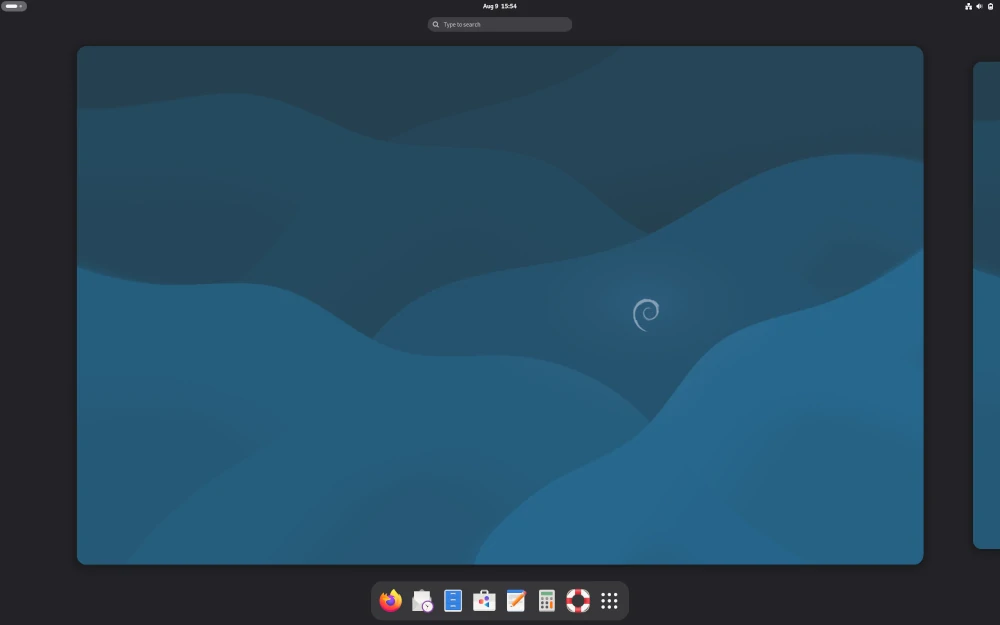
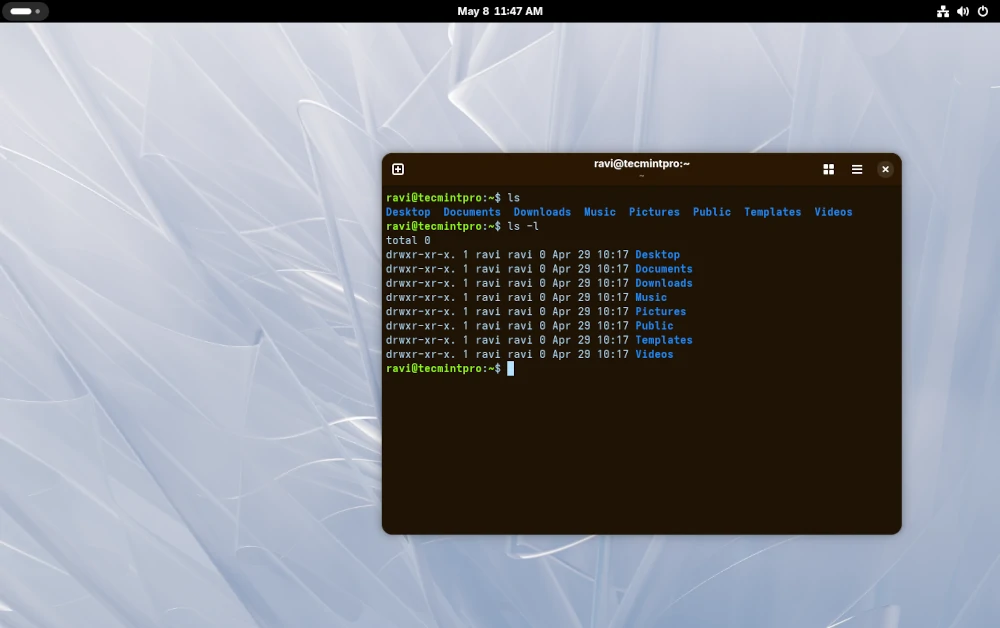
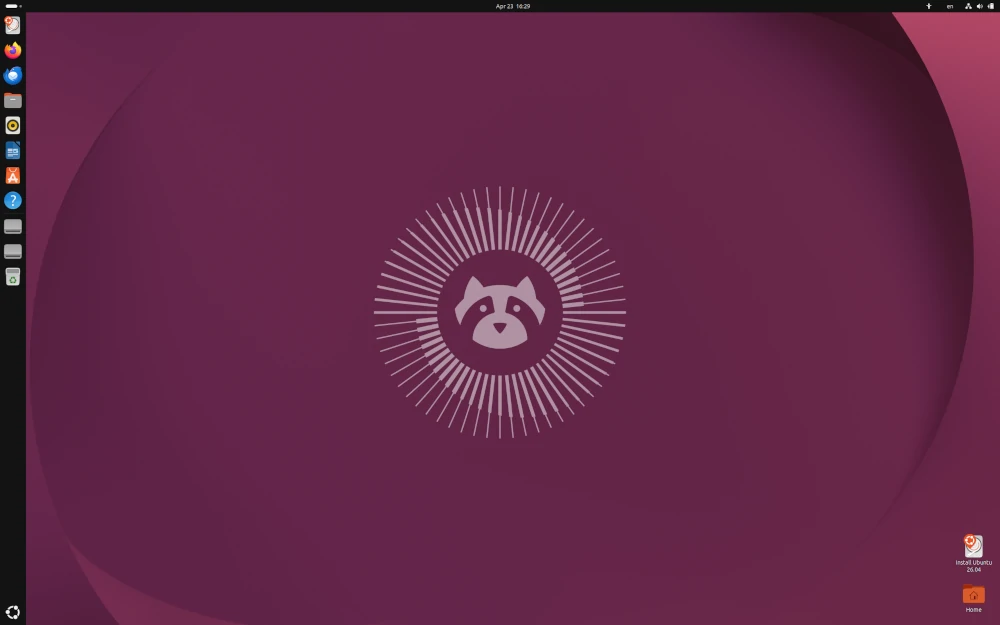
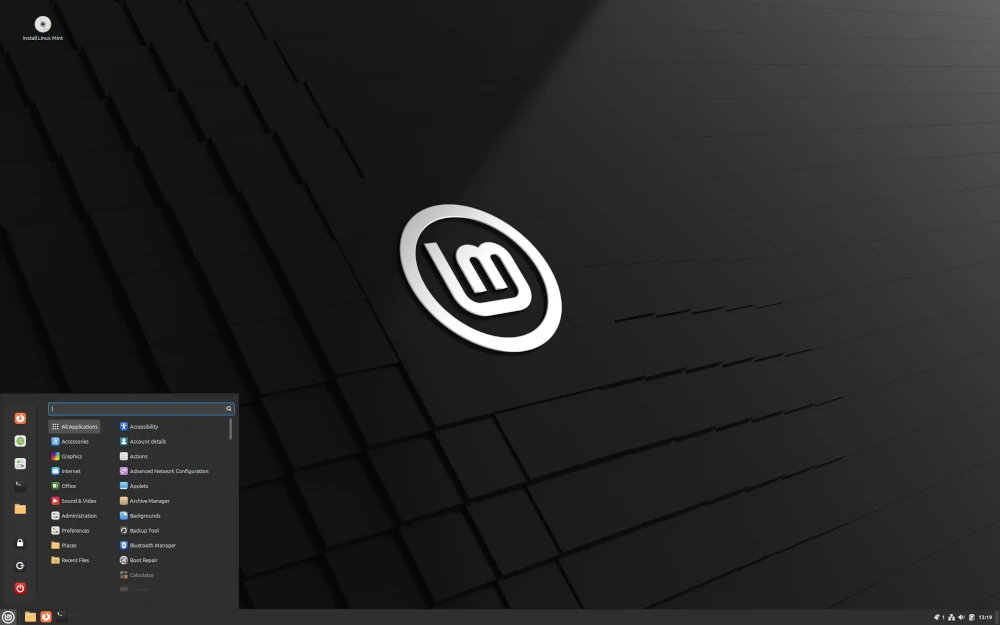
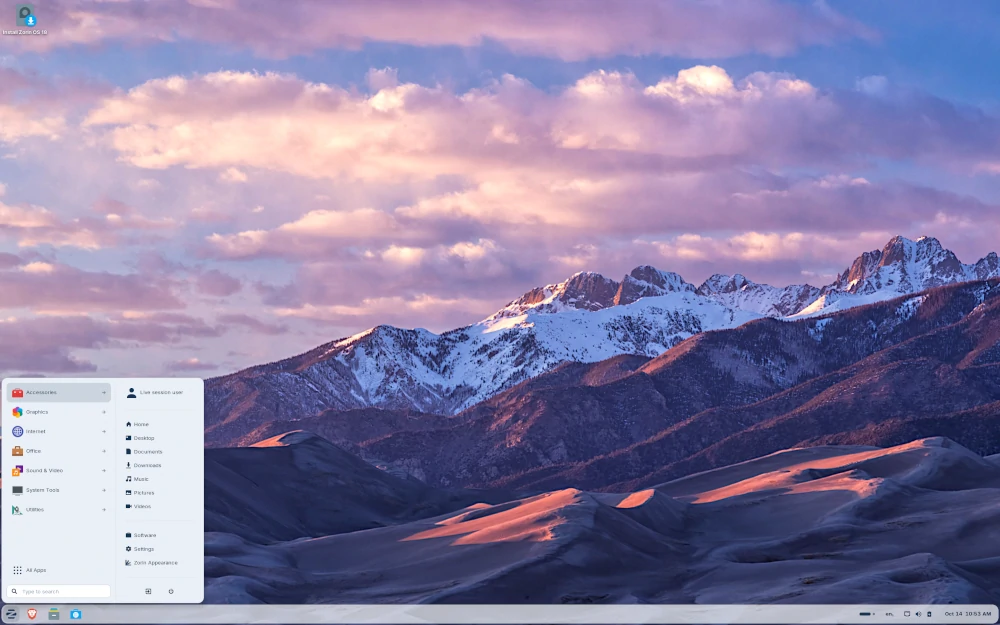
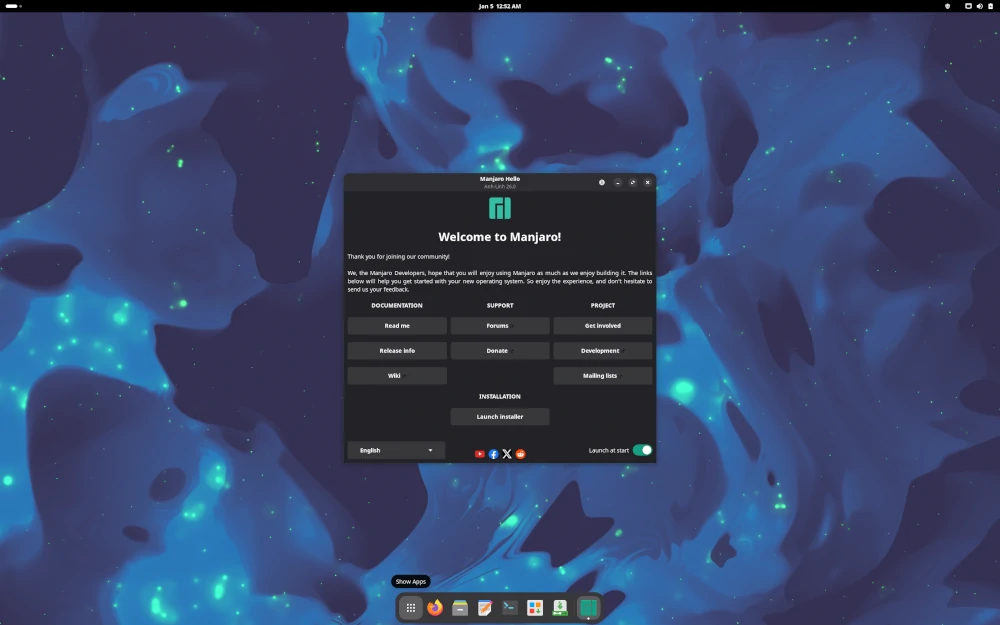
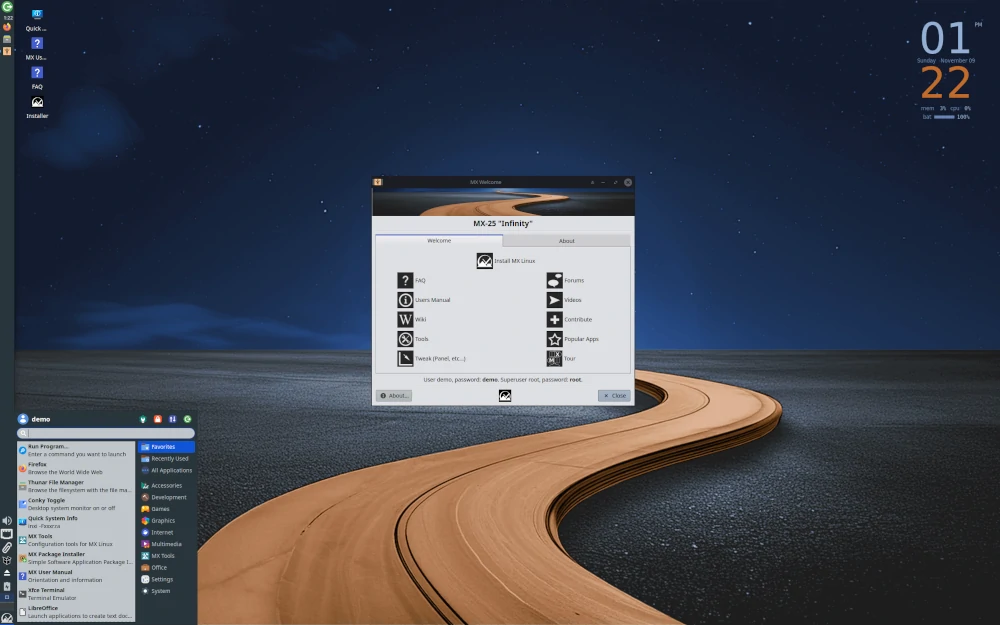
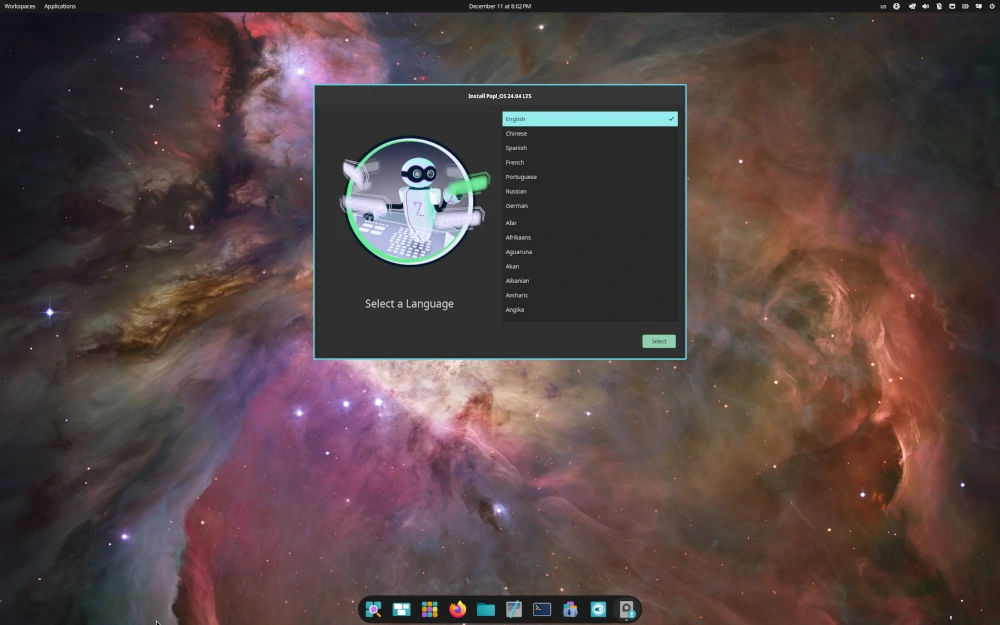
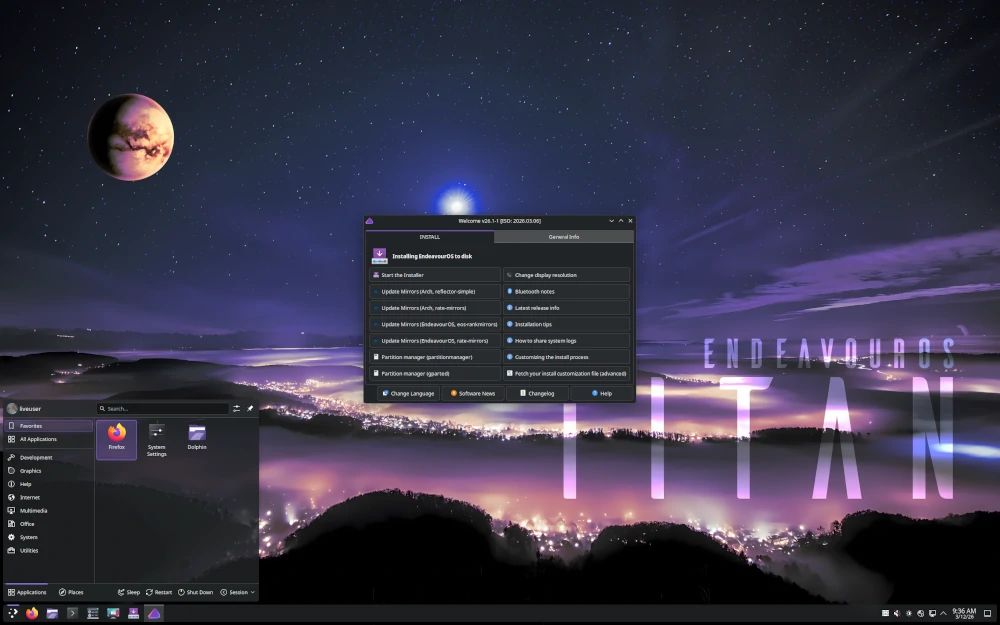
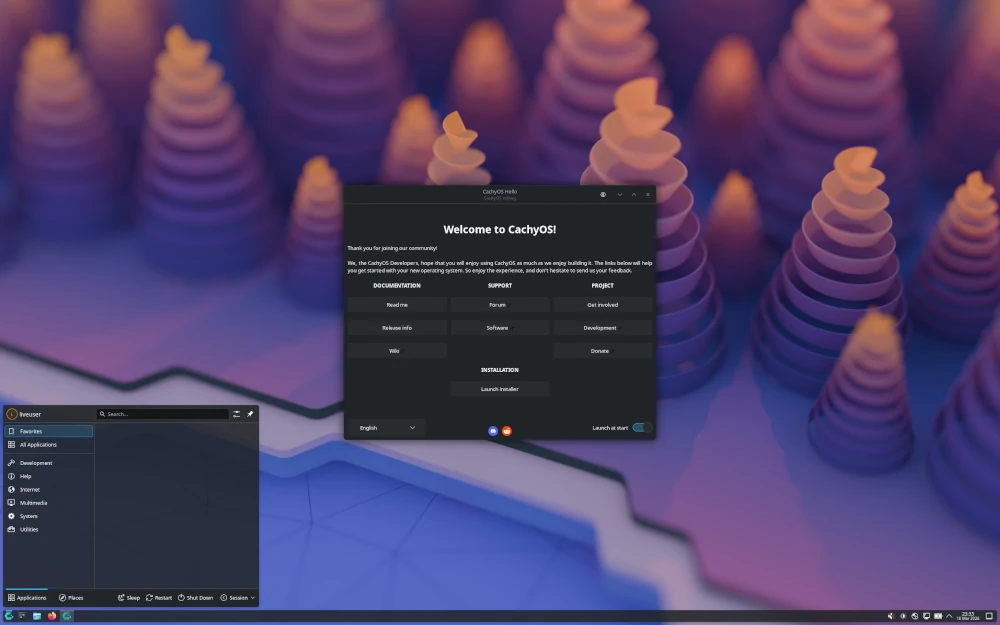
(This <ImageGallery> is an example of a custom React component. React components provide more interactivity than Astro components, and can keep track of state.)
Nothing is stopping anyone from building their own “version” of Linux, but there are deeper reasons why people add on to the ever-growing pile of distros. Each one of these distros exist to solve different problems, such as in Debian’s focus on stability going against the Arch-based distros’ focus on cutting-edge software. Distros can also express **different philosophies: Fedora ships with only 100% free and open-source software out-of-the-box, while other distros, such as Ubuntu, may prioritize convenience and include proprietary drivers out of the box. The open-source nature of Linux also makes for a very easy ecosystem to derive from other existing distros, similar to how Manjaro built on top of Arch to provide a more user-friendly way to benefit from its rolling release model by including a pre-installed desktop environment.
Distro Chooser
Want to see which distro fits you the best? If you’re new to Linux or are thinking of switching from another distro, try out the following Distro Quiz!
Answer 5 quick questions to find the Linux distribution that fits you best.
(This <DistroQuiz> is an example of a slightly more involved React component.)
Note that we expect a more involved output — a real submission on Linux distros could, for example:
- elaborate on each distro
- highlight the differences between the distros’ package managers and their commands
- implement a terminal emulator sandbox that lets you input basic commands
- implement something that shows the differences between a fixed-release and rolling-release model
References
- Distro images retrieved from https://www.tecmint.com/top-most-popular-linux-distributions/
- Tux image retrieved from https://en.wikipedia.org/wiki/Tux_(mascot)#/media/File:Tux.svg
#/media/File:Tux.svg)